Download for iPhone and iPad
 Android coming soon
Books from different places, one library
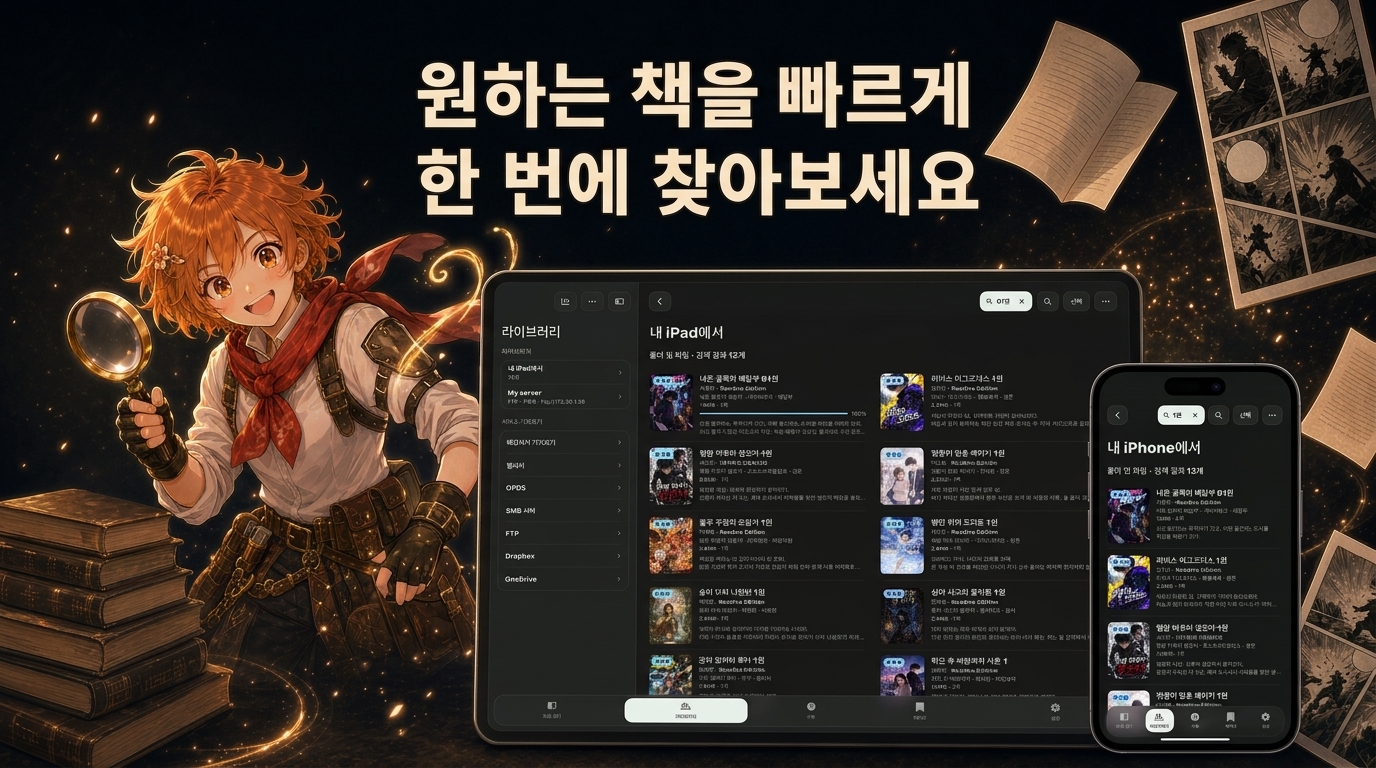
Import books from your device, NAS and cloud storage, then search by title and book details. Group your next reads into collections.
Your mobile library for comics, ebooks, documents and audiobooks
Bring books from your device, NAS and cloud storage into a library you can take anywhere. Enjoy views tailored to comics and text, resume audiobooks and keep track of your reading in one app.
Read on your phone during your commute or on your tablet at home. Bring your own books and keep your reading and listening together.
Import books from your device, NAS and cloud storage, then search by title and book details. Group your next reads into collections.
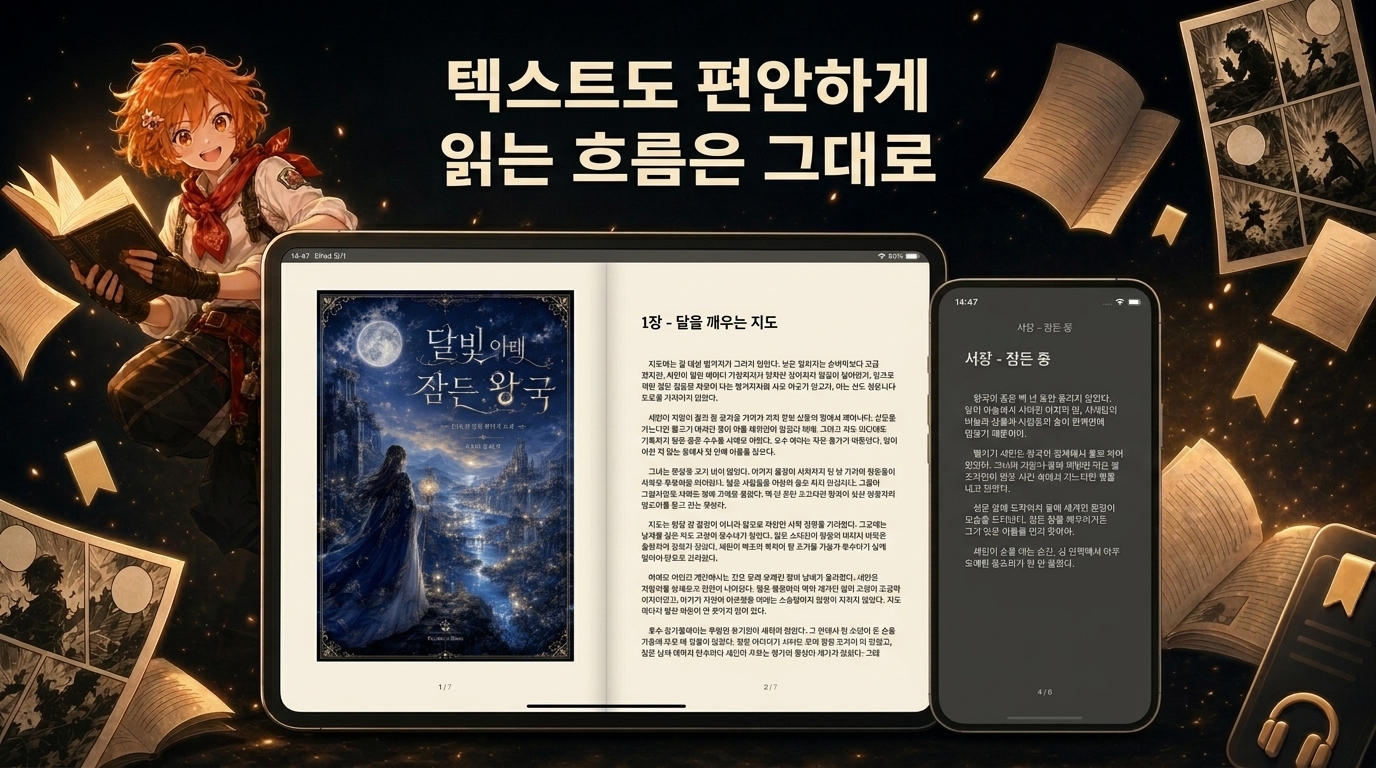
Enjoy comics in a two-page spread, adjust text and margins for ebooks, and listen to audiobooks at your preferred speed.
Save your reading and playback positions, and return through bookmarks and reading history. Books saved on your device are available offline.
Get started with importing books, reading and listening, and connecting your desktop library. These guides are currently available in Korean.
Bring books from your device, computer, NAS and cloud storage into Readive and prepare them for offline reading.
Learn how to adjust text and margins, listen with text-to-speech, and understand the differences between free and Premium features.
Connect to your computer with a QR code, import books and continue from your saved reading position.
Explore the home screen, library, comic and ebook readers, audiobook player and reading statistics. Screenshots show the Korean interface.

Open recent books and audiobooks from Continue Reading on the home screen.
Choose files on your device or connect to the storage you already use. Download books in advance to enjoy them on the go without a network connection.
Choose a reading view for your book's format and screen size. Adjust the experience for one-handed reading on a phone or two-page spreads on a tablet.
Adjust single-page, two-page and scrolling views, reading direction and zoom. Fit pages to the screen or zoom in on the details.
Set font size, line spacing, margins and backgrounds for comfortable reading. Light, Dark and E-Ink themes are included.
Save your place with bookmarks. In EPUB and TXT, highlight passages or search the text to find what you need again.
Switch to listening while traveling or doing something else. Play audiobooks or listen to EPUB and TXT with text-to-speech.
Even a short reading session adds to your history. Revisit recent books and bookmarks, and continue reading on other devices on the same platform.
Reopen recent books from the home screen and browse bookmarks saved in books and audiobooks.
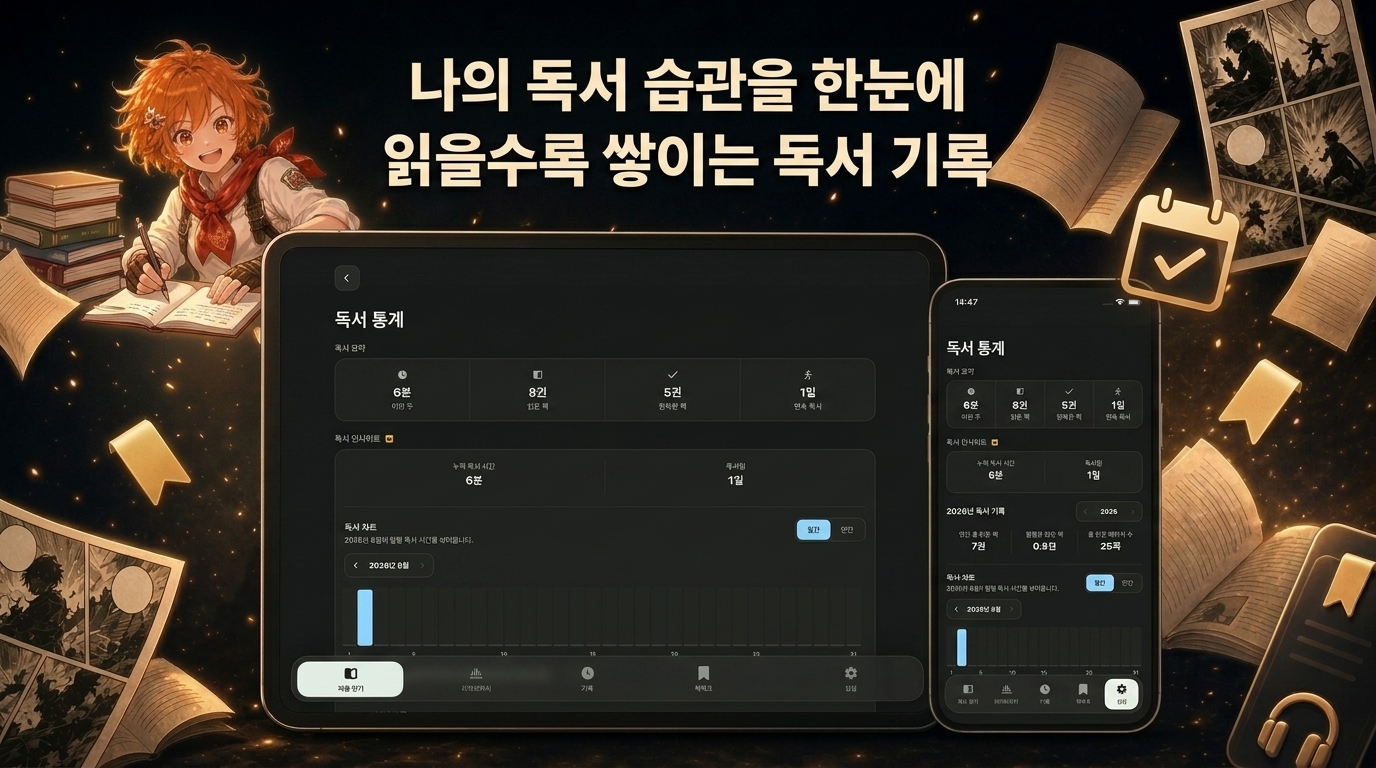
Review this week's reading time, books read and finished, and your reading streak to understand your habits.
Enable sync to share library information, reading positions, bookmarks and reading history across devices using the same account and platform.
iPhone and iPad use iCloud to sync reading data; Android devices use Google Drive. Sync between iOS and Android is not supported, and the original book files must be imported separately on each device.
BookManager integration · Available since Readive 1.3.0
Browse and import books you organized on your computer with BookManager. Connect book details and reading positions too.
Connect to BookManager on the same network by scanning a QR code or entering the IP address and port. Approve the connection on your computer, then browse the shared library.
Import files and folders from Readive, or review and accept books sent from your computer. Exchange reading positions and reading status for linked books.
Keep BookManager on your computer and Readive on your mobile device running while connected. Readive also works on its own with device files and remote storage.
CBZ, ZIP, CBR, RAR, CB7, 7Z, CBT, TAR and image files
EPUB, PDF, TXT, Markdown
MP3, M4A, M4B, FLAC and other audio files
Comic archives must be single-volume files without passwords. Reading and playback support may vary with the file's structure and operating system.
Start with the core reading and listening features. Choose Readive Premium for more customization, additional voices and detailed reading insights.
The free version may show ads. Check the Premium screen in the app and your app store for subscription options and pricing.
Readive is a reader for files you import. It does not provide books. Fill your library with books, documents and audio files you own or have permission to use.
You can import files from your device without creating a Readive account. NAS and cloud connections may require an account with the storage provider. BookManager integration is optional and lets you access your desktop library.
Books and audiobooks imported or downloaded to your device are available offline. Browsing and downloading from remote storage, and syncing reading data, require a network connection. With Premium, you can generate Supertonic speech on your device after downloading a voice model.
Cloud sync shares library information and reading data. Import the original book files separately on each device. Sync works between iPhone and iPad devices using the same account, or between Android devices using the same account.
Install Readive and import a book from your device. Build a library for reading and listening your way.