Find books wherever you saved them
Search libraries across multiple drives, compare possible duplicates and check for missing volumes in a series.
Your personal library for comics, ebooks, documents and audiobooks
Find and organize books across your computer, external drives and NAS. Add covers and book details, read and listen with built-in viewers, and send books to your mobile device with Readive.

Find books across folders and edit their details in one place, with batch tools for repetitive tasks.
Search libraries across multiple drives, compare possible duplicates and check for missing volumes in a series.
Clean up archive structures and page names, and apply book details to an entire series at once.
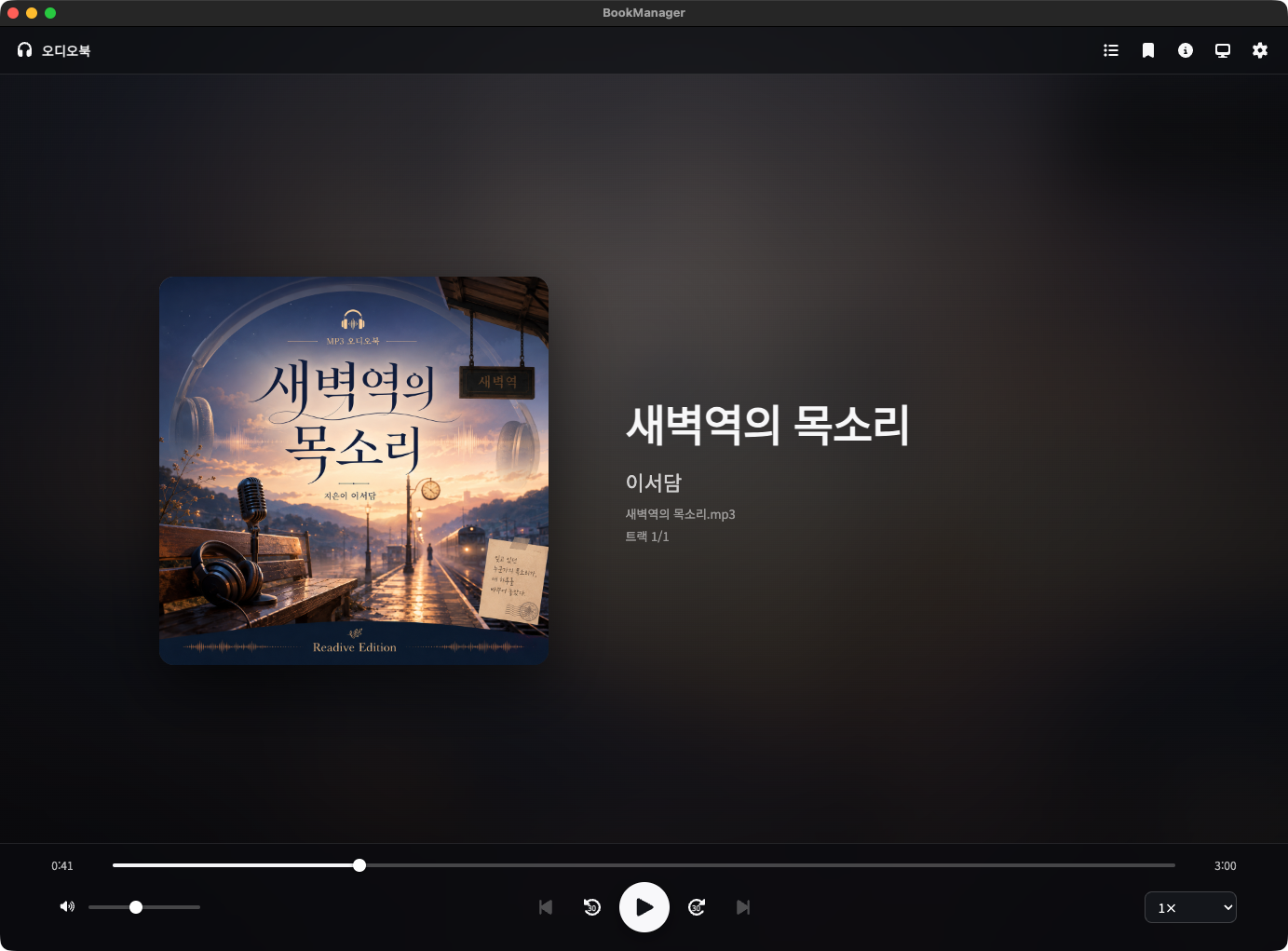
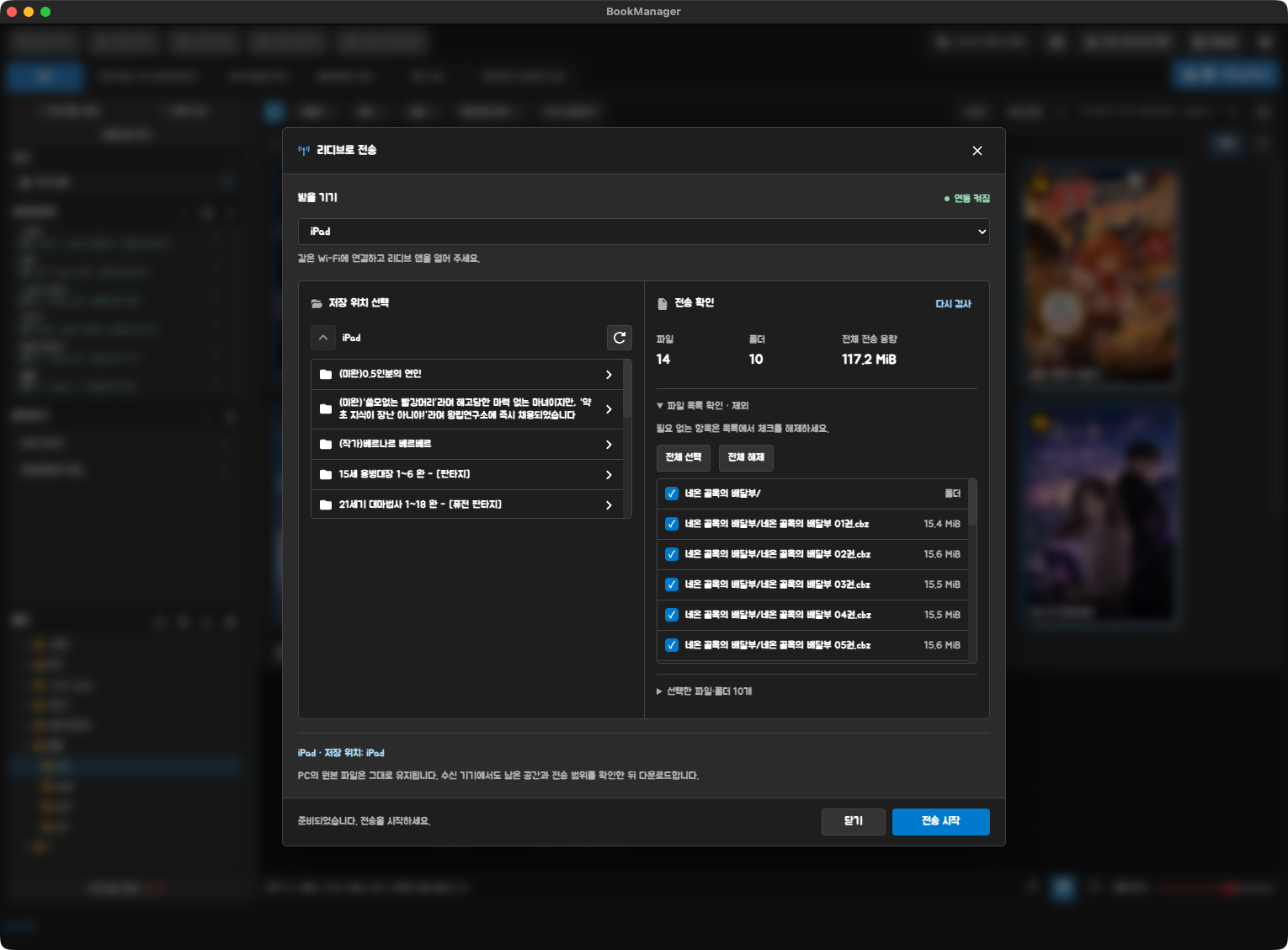
Read comics and ebooks, or listen to audiobooks. Send books to Readive when you want to read on your mobile device.
Follow step-by-step guides to split collections, edit book details and connect a NAS. Check supported formats and before-and-after examples. These guides are currently available in Korean.
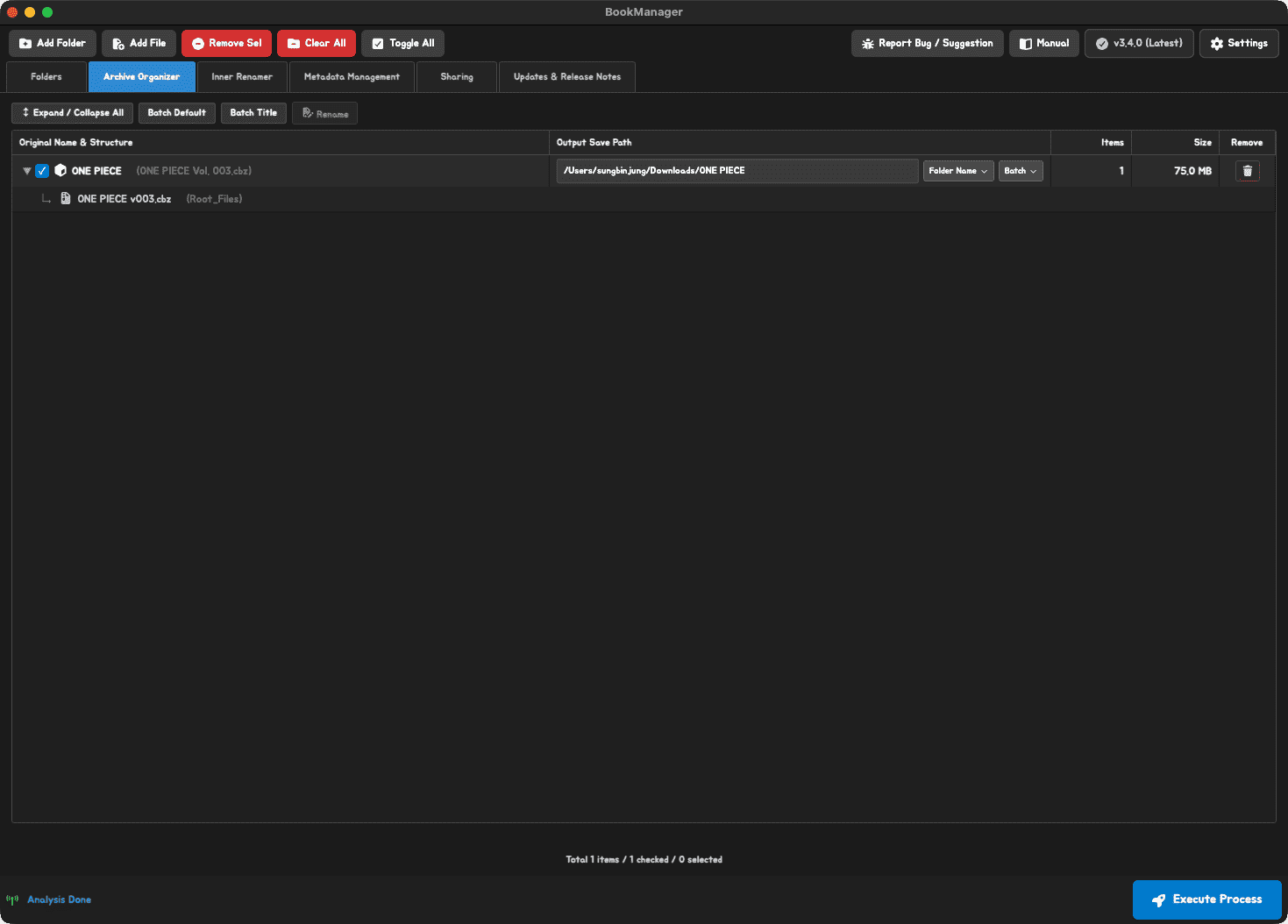
Analyze volume folders inside an archive, then choose the output format and destination to create separate books.
Find titles, authors and publishers and apply them to a series. Learn which details each format can save and how to edit covers.
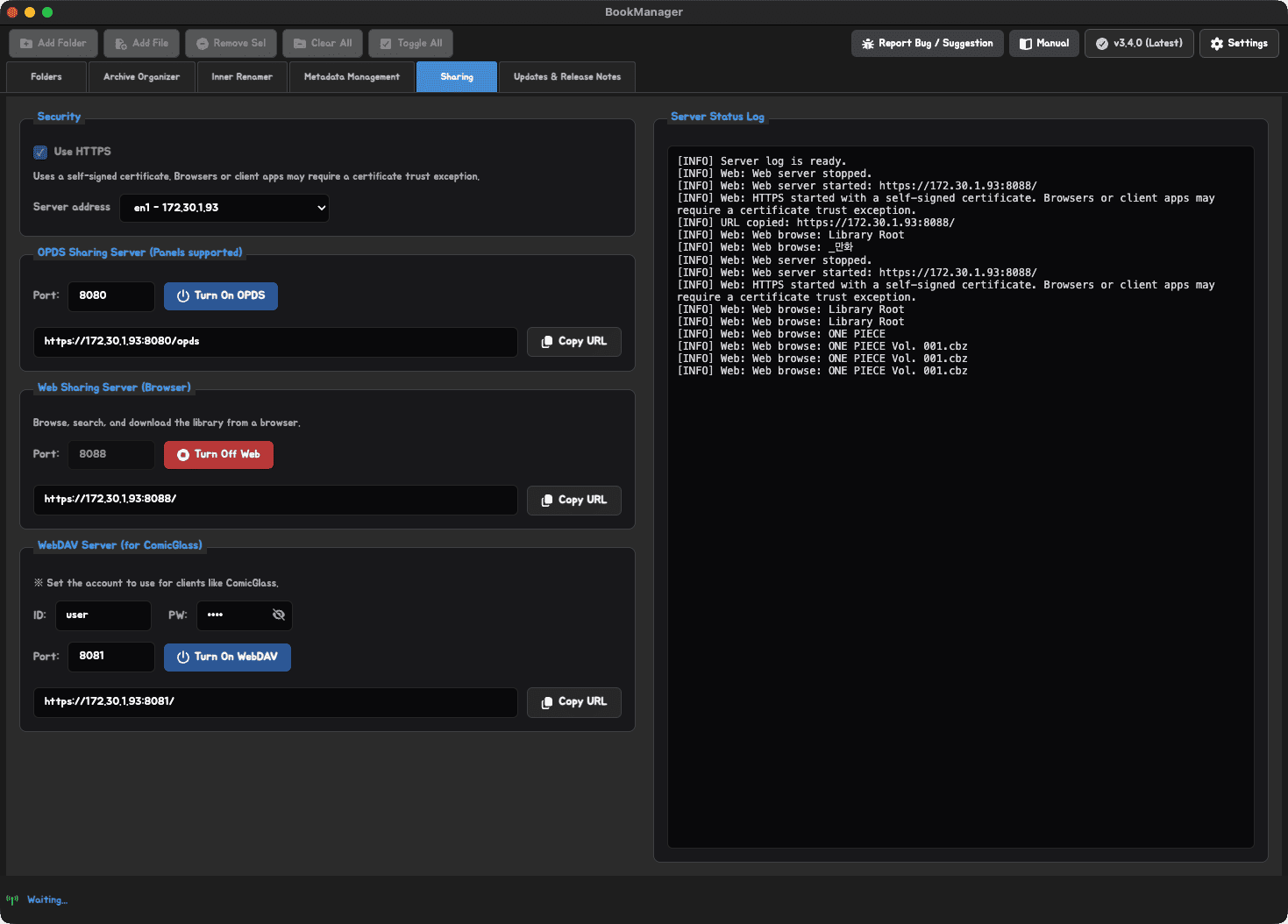
Add a NAS folder as a library and access your books on other devices through OPDS, WebDAV or Readive.
Explore the app, from browsing and organizing files to editing book details, reading and sending books to mobile. Screenshots show the Korean interface.
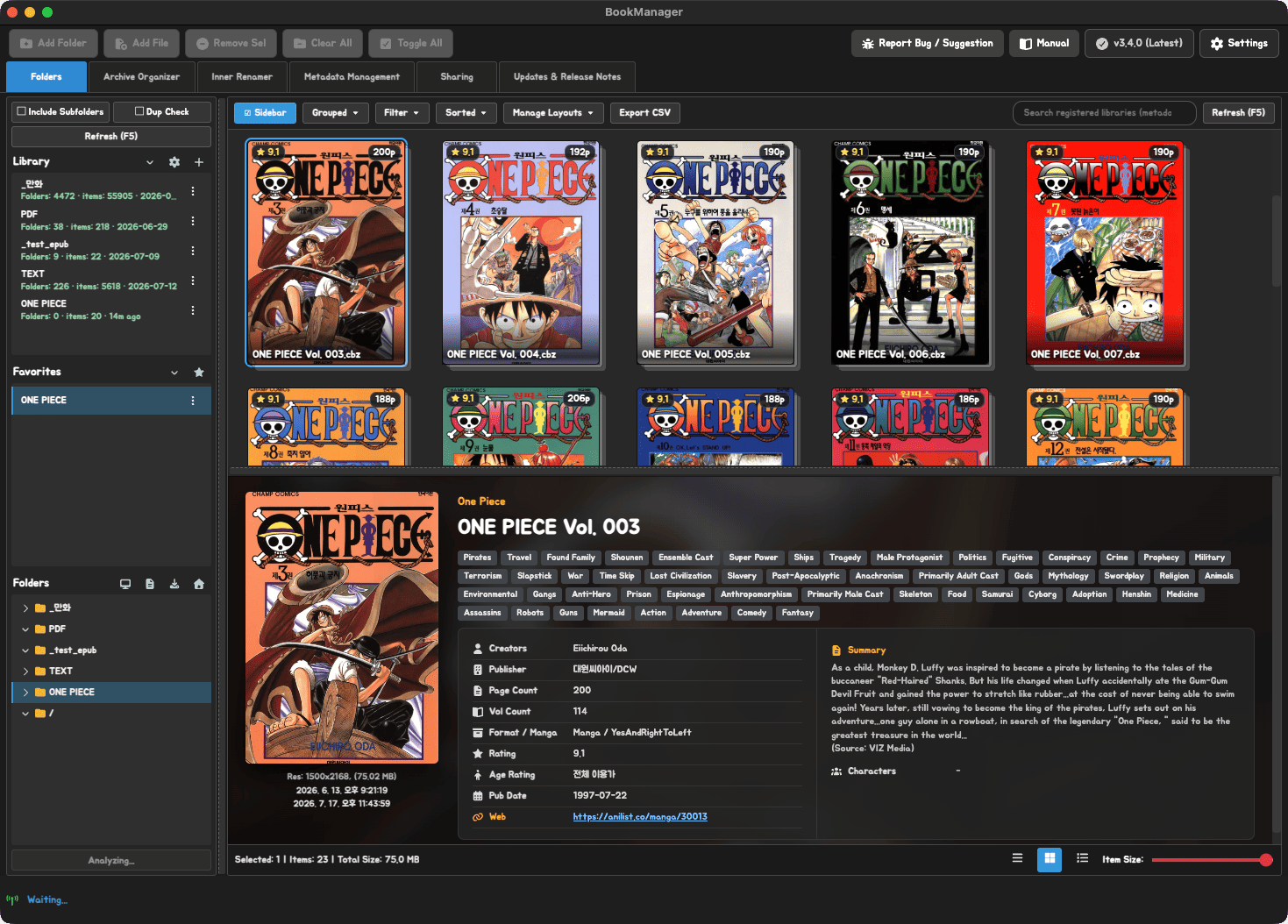
Add folders from your computer, external drives and NAS as libraries. Search filenames, book details and words in the text without switching between folders.
Search across your libraries and combine filters such as author, genre, publisher and year.
Build a content search index to find EPUB, PDF and TXT files by words in their text. Scanned documents that require OCR are excluded.
Compare possible duplicates with similar filenames and volume details, and find gaps in a series' volume or chapter numbers.
Collections in a single archive and inconsistent page names are easier to manage in batches. Drag in files or folders, preview the results and apply your changes.
Turn volume folders inside a ZIP into separate book files. Check output names and destinations before you begin.
Clean up nested folders and gather images into a structure that works well in your reader.
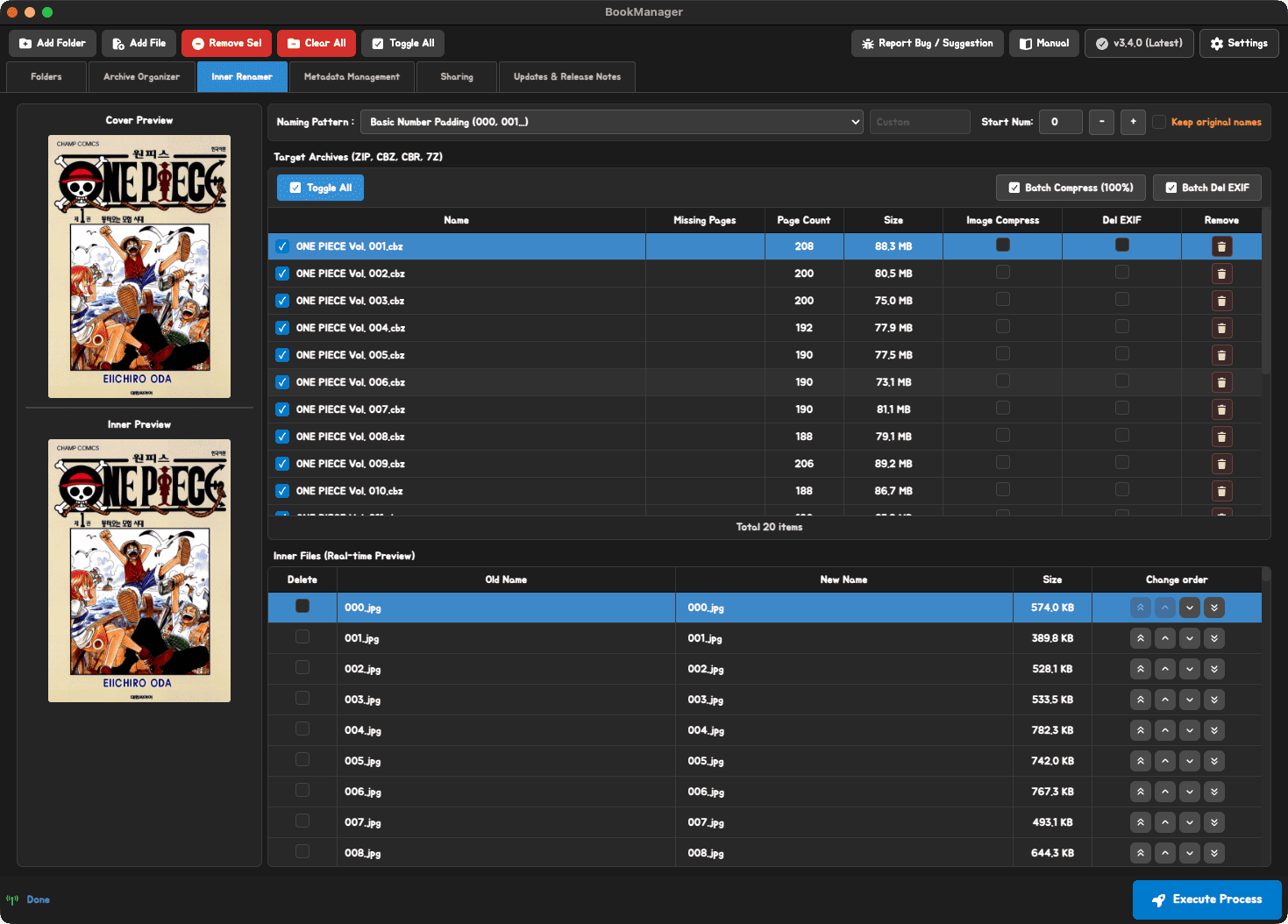
Rename images with a shared naming rule and adjust their order. You can also check for missing page numbers and reduce image file sizes.
Preview filenames and the files affected before applying changes. To keep your originals, enable the original backup option in Settings before starting.
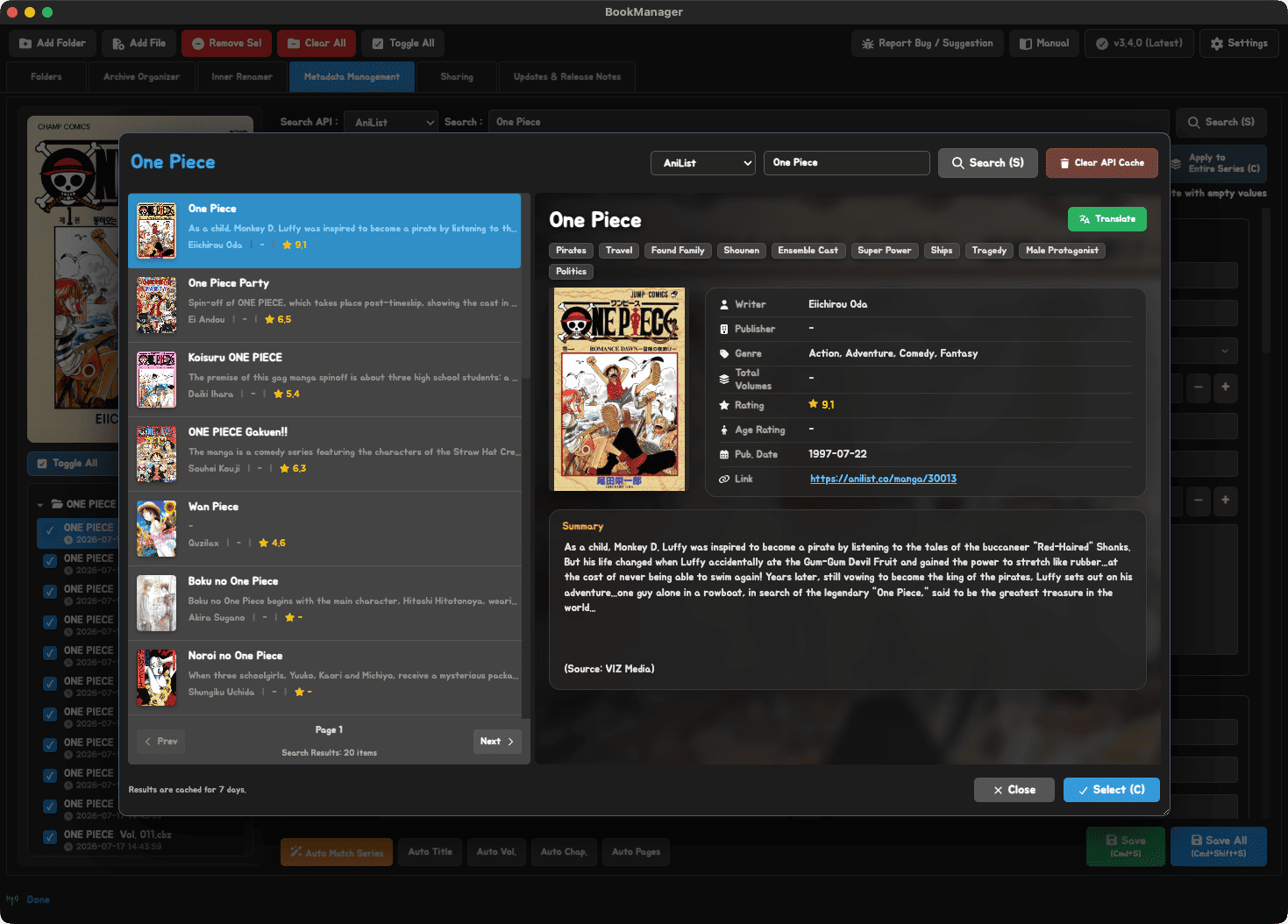
Find and compare book details from RIDI, Google Books, AniList, Comic Vine, Amazon and more. Import covers, titles, authors, publishers and summaries to make your library easier to browse.
Import search results into the editor, review them and apply your changes. If a title is hard to identify, use AI title lookup to suggest possible titles from the cover.
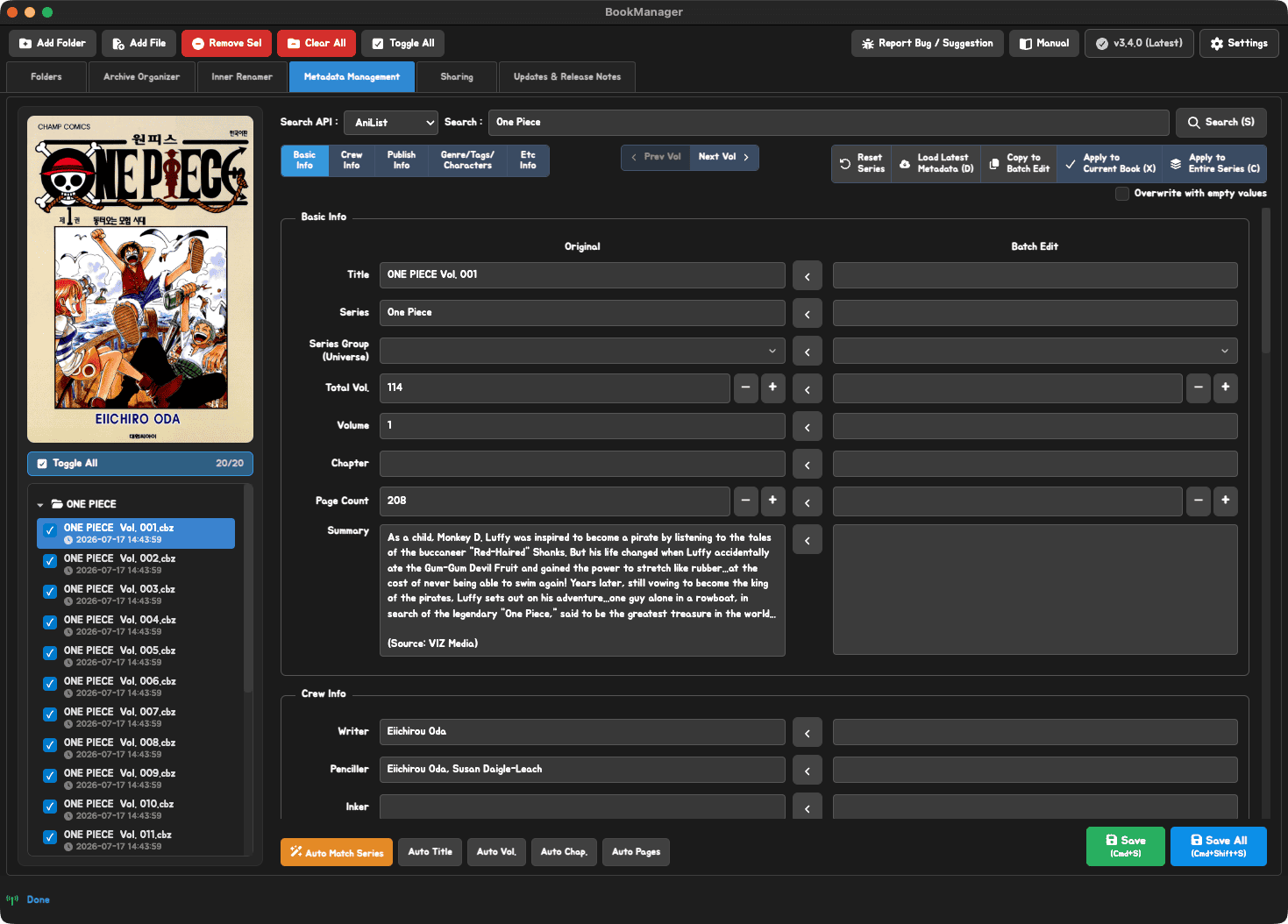
Apply authors, publishers, genres and summaries across a series, while managing each file's title, volume number and page count separately.
Depending on the format, save ComicInfo.xml, EPUB and PDF metadata, or audio tags and covers in the files themselves. For TXT files, book details and covers are stored separately in the app.
Search sources vary by book type. Some search services and AI features require you to configure your own API keys.
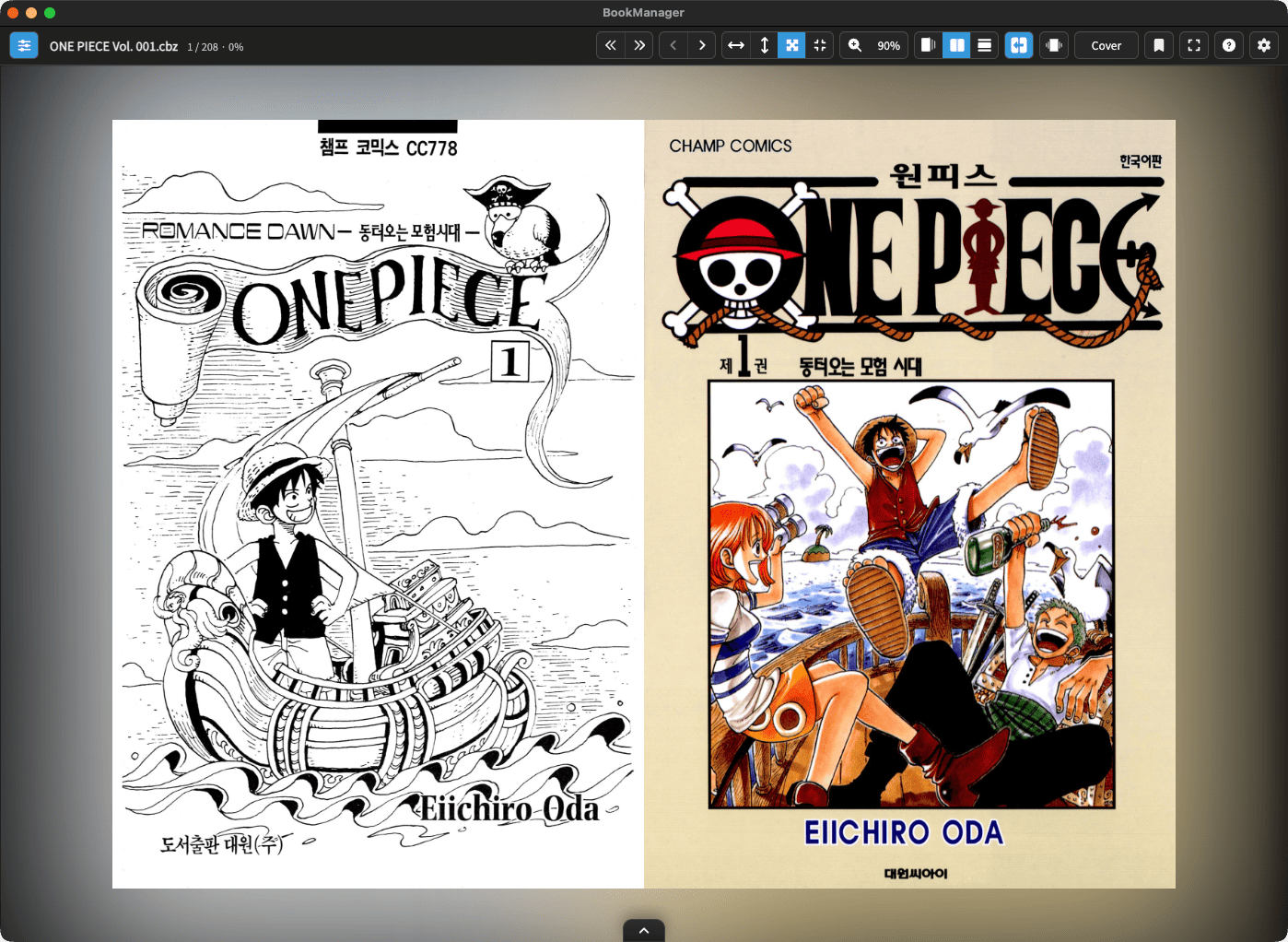
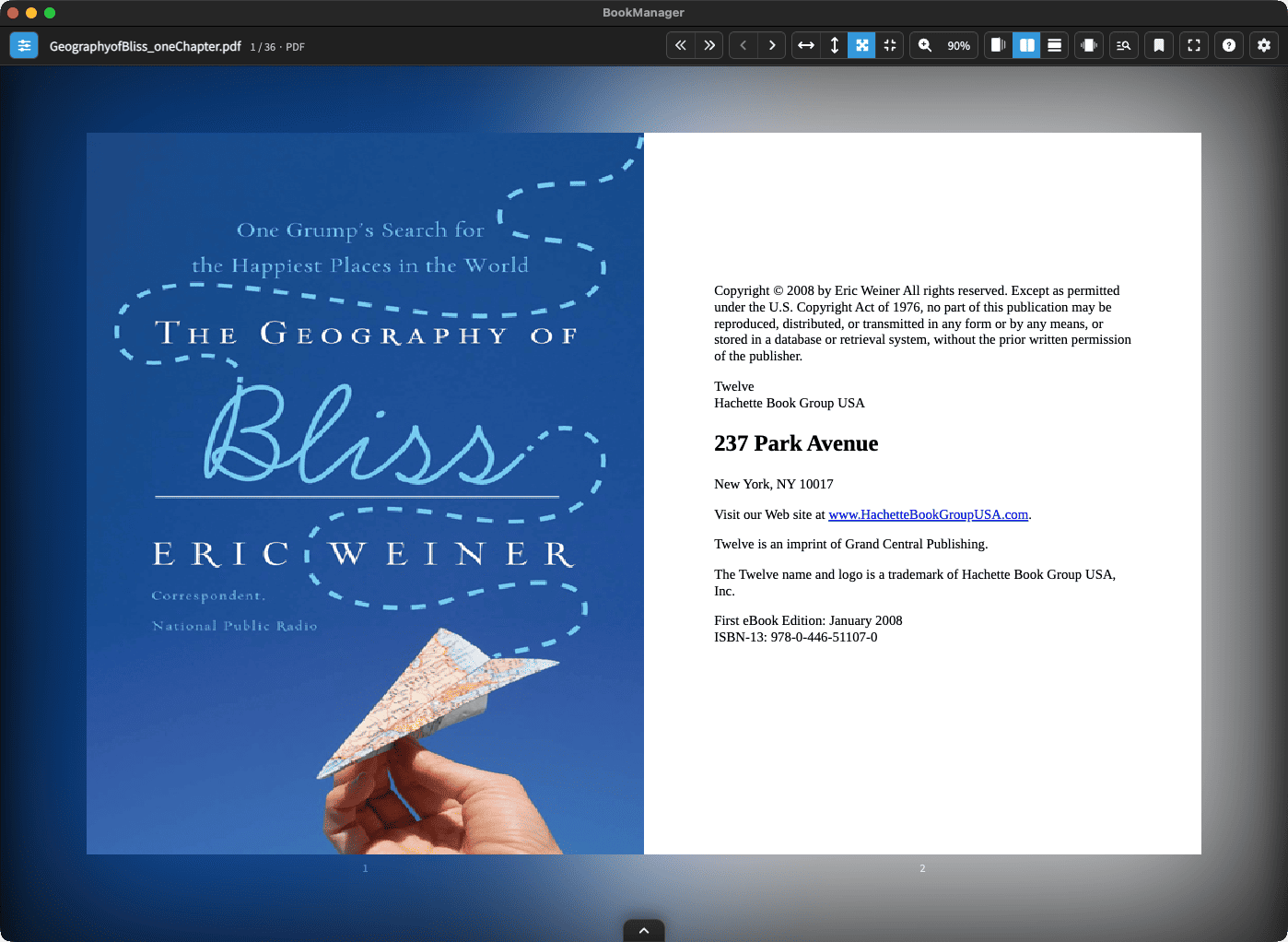
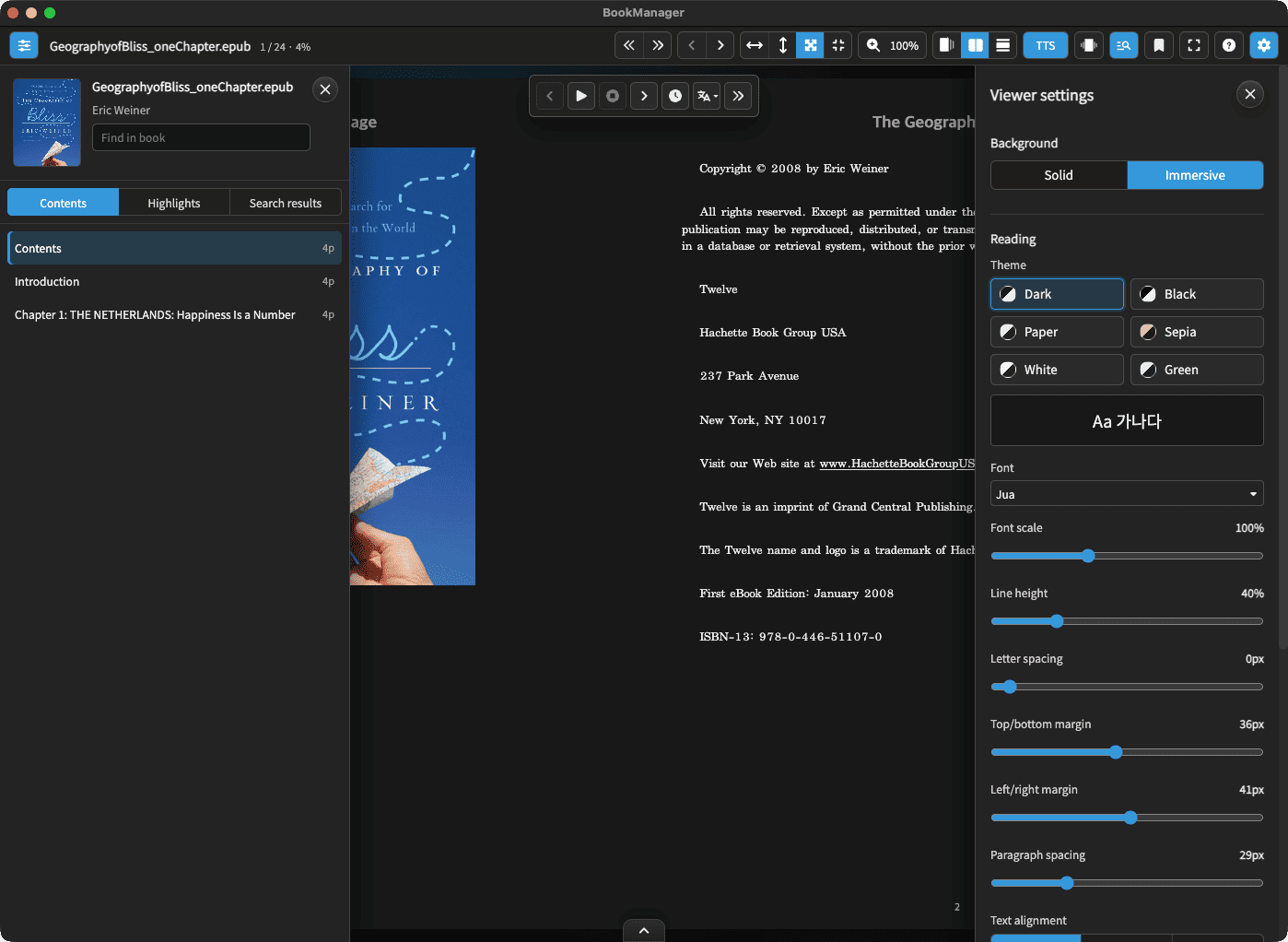
Enjoy comics, EPUB, PDF, TXT and audiobooks with built-in readers and players. Save bookmarks and your last reading position to pick up where you left off.
Organize on your computer and read on the device you prefer. Send files to Readive or open your shared library in a compatible app.
Start sharing and transferring on the same network. Keep BookManager and the relevant sharing or connection service running while connected.
Manage comics, documents and audiobooks in one library. Available tools and metadata storage depend on the file format.
ZIP, CBZ, RAR, CBR, 7Z, CB7
EPUB, PDF, TXT
MP3, M4A, M4B, FLAC, AAC, AIF/AIFF, OGA/OGG/OPUS, WAV/WAVE and more
BookManager is a free, open-source app released under the MIT license. It supports Windows and macOS, with Korean, English and Japanese interfaces. Search, AI and text-to-speech features that use external APIs may be subject to those services' terms and fees.
Yes. Add a NAS or external drive as a library if your computer can access it as a folder. Scan covers and book details, then search alongside your other libraries. The drive must be connected to open or organize its files.
For formats that support writing, saving changes updates metadata in the actual files. TXT book details and covers are stored separately in the app without changing the text, and direct metadata writing to RAR/CBR is not supported. Audiobook tags and covers can be saved in AAC, AIF/AIFF, FLAC, M4A/M4B, MP3, OGA/OGG/OPUS and WAV/WAVE; 3GP, AMR, CAF and WEBM support analysis only. Enable the original backup option before starting if you need to keep the originals.
You can choose an external reader for each file format or open organized files in other apps. Compatible readers and servers can use ComicInfo.xml and EPUB or PDF metadata. The details displayed depend on each app's support.
Download the file for your operating system, extract it and launch the app. Add a folder containing your books as a library and start browsing.